Back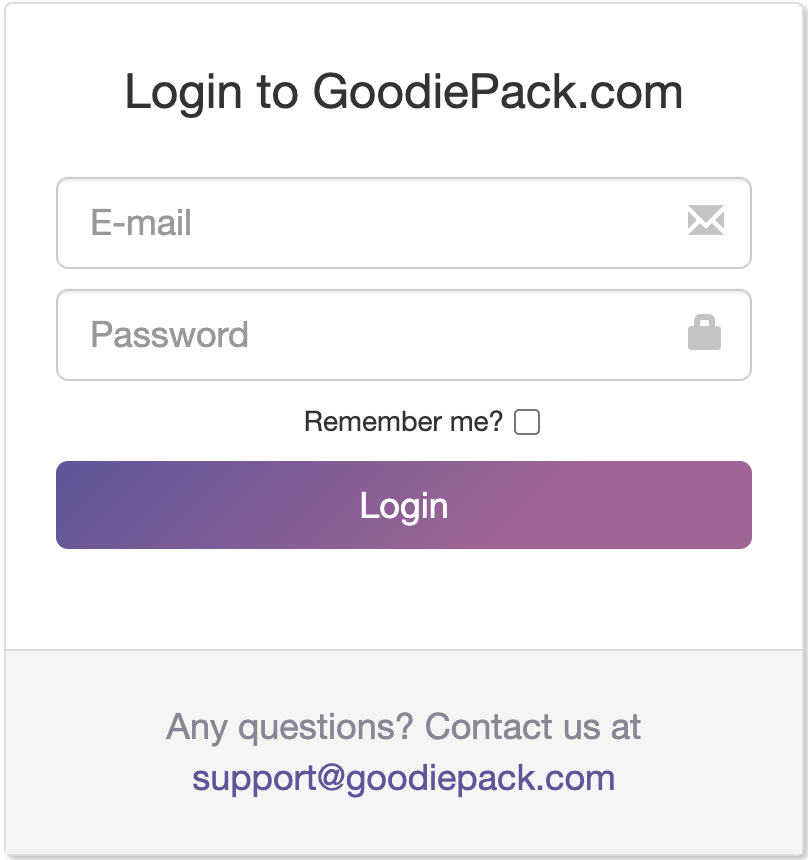




Forgotten password
Step 1 - Click on ‘Forgot your password?’
If you’ve forgotten your password you can reset it. To reset your password you have to go to the login page that you find here.
Then you have to click on Forgot your password?
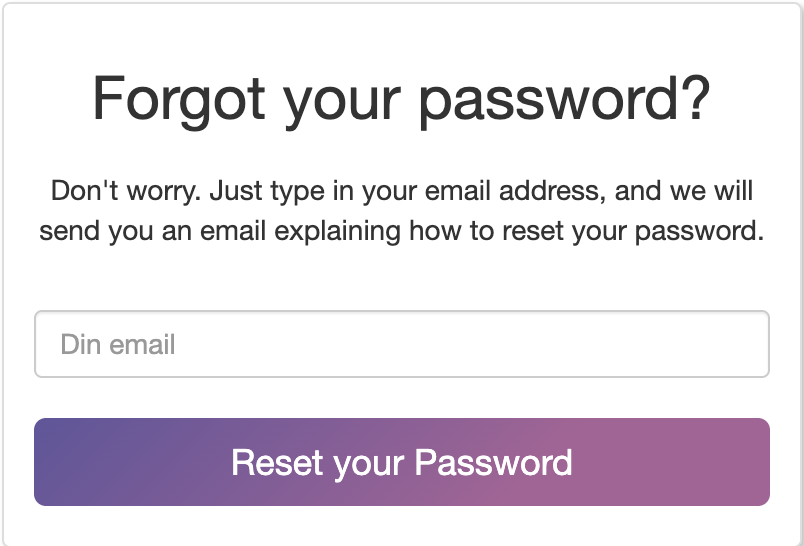
Step 2 - Type in your email address
Then you have to type in the email address that is connected to your GoodiePack for which the password has to be reset.
Then click Reset your Password.
Then you’ll see a message at the top of the page saying an email has been sent to you.
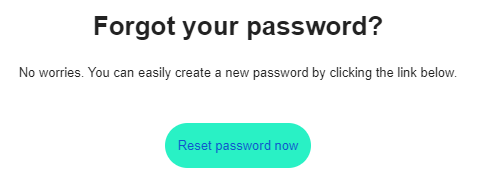
Step 3 - Open email and click ‘Reset password now’
You now have to open this email and click on Reset password now.
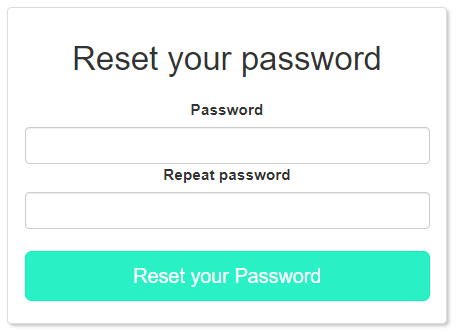
Step 4 - Type in new password and click ‘Reset your password’
Now you have to type in your new password in the field Password and Repeat password.
When you’ve filled in these fields you have to click on Reset your Password.
Your password has now been reset and you can log in to your profile with the new password.
Article last updated:
August 26, 2026