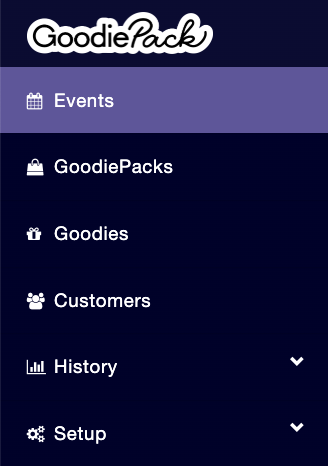
To create an event you first have to click on Events in the menu on the left.
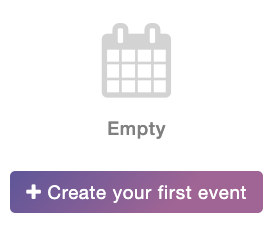
Then, you click on Create your first event.
Step 2 - Event setup
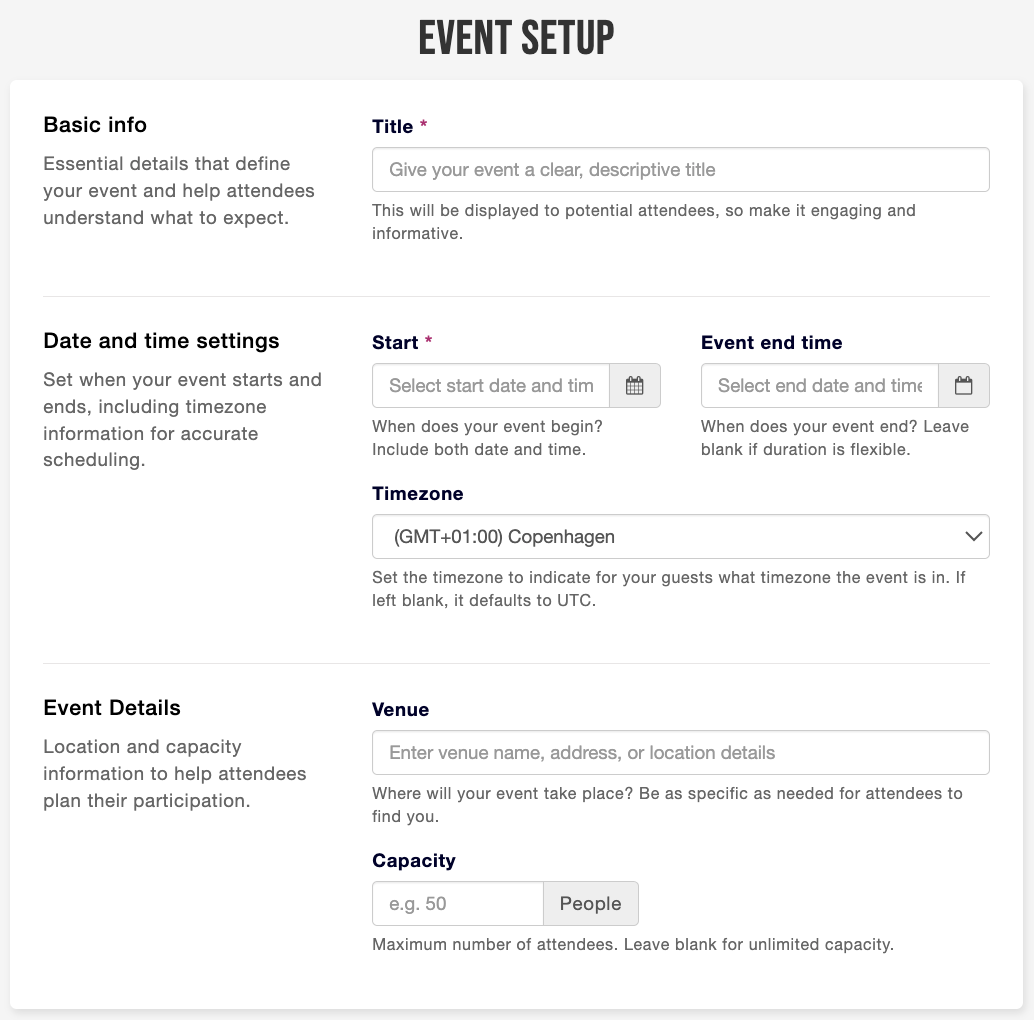
When you've clicked on Create your first event, you are met with this page.
Here you give your event a title, a date for when your event starts and end and add details about the location under venue. Here you can also add the capacity for the event. If there is an unlimited capacity, just leave the space blank.
Step 3 - Save
When you have added the details you press Save.
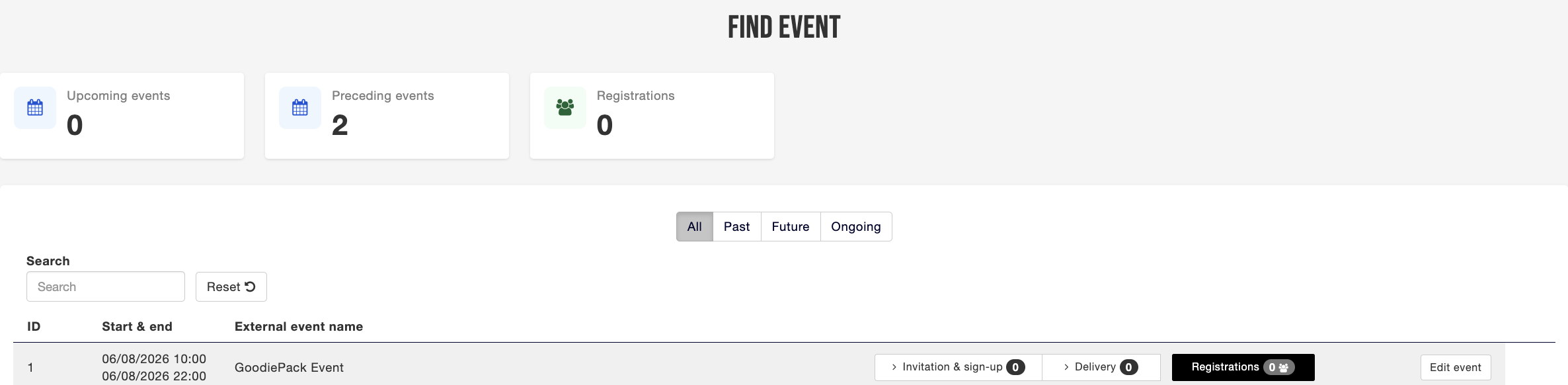
Now you will see your event under Find event. If you want to Edit the information you do that on Edit event on the left.