Note: Your GoodiePack must be active before you can distribute it. If you make changes to the GoodiePack after distributing it to recipients, the changes will be registered automatically, without the need to create a new link or send a new text containing the GoodiePack.
Step 1 - Go to '3. Share'
To distribute your GoodiePack, click on '3. Share' at the top of the GoodiePack designer.
Step 2 – Name the link
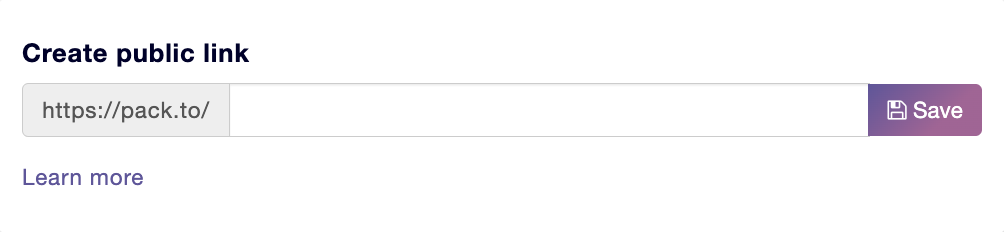
Here you need to name your link. You do this by filling in the text field under Create public link. It is a good idea to relate the name you choose to your company so that users can recognize it.
Tip: Keep it short and easy for your guests to read.
Once you have filled in the text field, click Save to the right of the text field.