Back

How to change your account settings
Step 1 - Click on your profile name
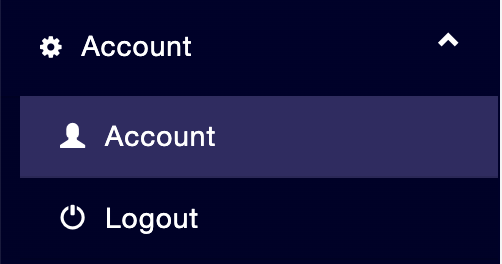
To change your account settings you first have to click on the the name of your organization in the side menu on the left.
Step 2 - Click on 'Account'
Then, you have to click on Account in the side menu on the left.
Step 3 - Make the desired changes
Now you have the opportunity to make changes in User information, Password and Terms of Service.
Step 4 - Save and update profile
When you've made the desired changes you have to click on Create user profile at the bottom of the page and your changes will then be saved.
Article last updated:
August 26, 2026